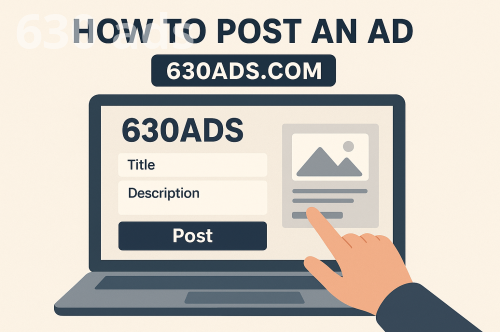
How to Post an Ad on 630ads.com, Step-by-Step Guide to Posting Ads, Marketplace Ad Posting Guide, Classified Ad Posting Tips
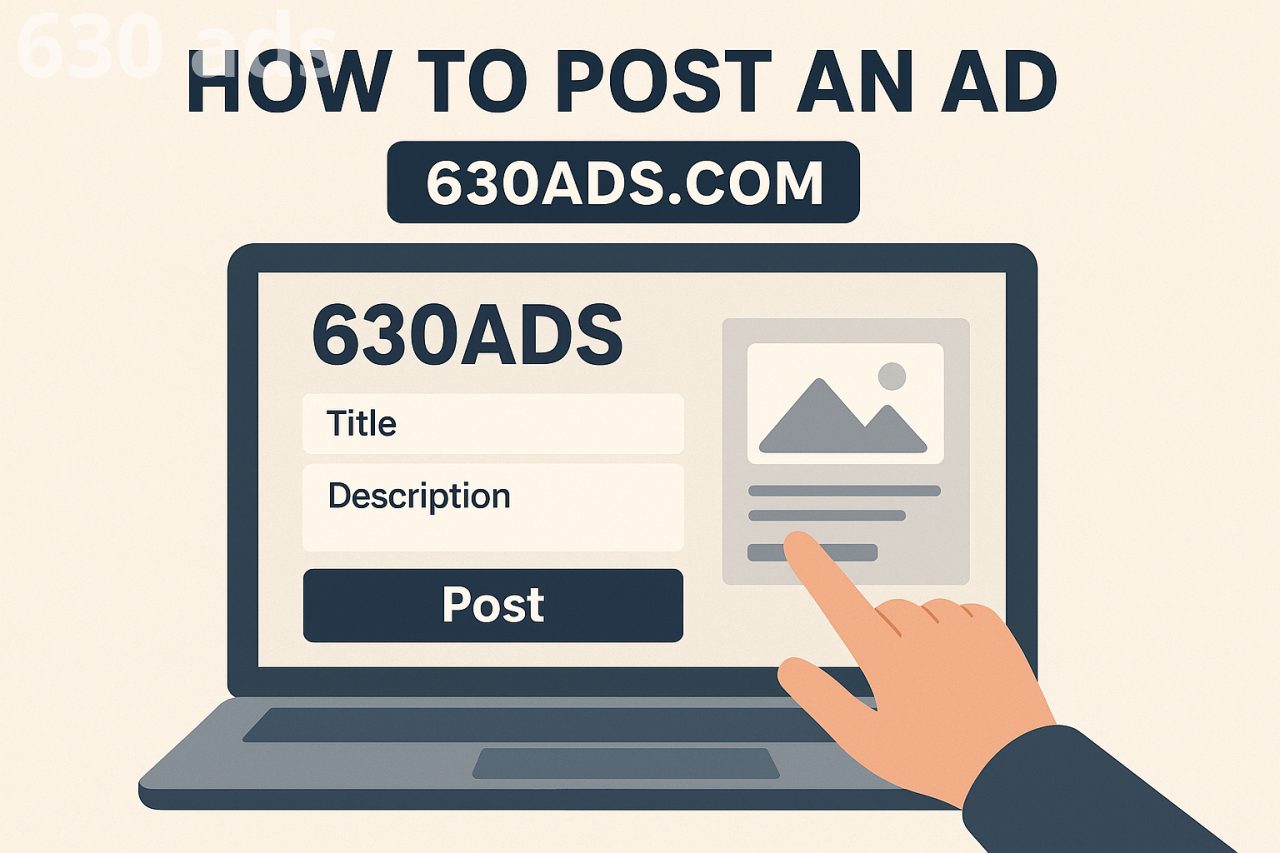
How to Post an Ad on 630ads.com: A Simple Step-by-Step Guide
Are you looking to buy, sell, or promote something quickly and easily? 630ads.com makes it simple. As one of the fastest-growing marketplace and classified platforms, 630ads.com connects buyers and sellers in just a few clicks. Whether you're listing a product, advertising a service, or promoting a business, our platform is designed to help you reach the right audience fast.
In this guide, we’ll walk you through how to post an ad on 630ads.com—even if it’s your first time.
Why Post on 630ads.com?
Before we jump into the steps, here’s why thousands of users choose our platform daily:
✔️ Quick and Easy Posting
✔️ Wide Audience Reach
✔️ Secure and User-Friendly Platform
✔️ Perfect for Products, Services, Jobs, Rentals & More
Now let’s get started!
Step-by-Step Guide to Posting an Ad on 630ads.com
Step 1: Visit 630ads.com
Start by heading to our official website. You’ll find a clean and simple interface that makes navigation easy for everyone.
Step 2: Create or Log In to Your Account
If you’re a new user:
Click “Register”
Fill in your basic details
Verify your email or phone number
If you already have an account, just click “Login” and enter your credentials.
Step 3: Click on “Post an Ad”
Once logged in, look for the “Post an Ad” button—usually highlighted at the top of the page.
This will take you to the ad-posting form.
Step 4: Choose the Right Category
Categories help buyers find what they need faster.
Select the most accurate option such as:
Electronics
Vehicles
Real Estate
Jobs
Services
Fashion
Home & Garden
And more…
Choosing the correct category increases your visibility.
Step 5: Add Your Ad Details
This is where you describe what you're offering. Make sure to include:
Title: Clear and attention-grabbing
Description: Honest, detailed, and informative
Price: Fixed, negotiable, or contact for price
Location: Helps local buyers find you
The more accurate the details, the better your chances of attracting genuine interest.
Step 6: Upload High-Quality Images
Good photos = more clicks.
Upload clear images from multiple angles. For services, you can use images of your work, certificates, or business info.
Step 7: Contact Information
Add the best way for buyers to reach you—phone, email, or in-platform messaging. Double-check your details to avoid missed inquiries.
Step 8: Review and Submit
Before publishing, review your ad:
Are all details accurate?
Are photos clear?
Is the price correct?
Once everything looks good, hit “Submit”.
Your ad will either go live immediately or after quick approval depending on the category.
Tips to Make Your Ad Stand Out
🔥 Use a strong, clear title
🔥 Add multiple high-quality images
🔥 Write an honest and detailed description
🔥 Update your listing if the price or availability changes
🔥 Respond quickly to inquiries
These small steps significantly boost your chances of selling faster.
Start Selling Today on 630ads.com
Posting an ad on 630ads.com is simple, fast, and designed to help you connect with real buyers and sellers in your area. Whether you're selling something you no longer need or offering a service, our platform is here to help you succeed.
Ready to get started?
👉 Visit 630ads.com and post your ad now!